Ring Mitu07540 049136Get a quote

Wi-Fi that reaches the whole building, and the cable to back it up.

I run data cabling, fit Ubiquiti UniFi Wi-Fi, and pre-wire new builds before the plasterer gets there. Homes, shops and offices round Bradford, Shipley and Halifax. The cable goes inside the wall, same as my cameras.

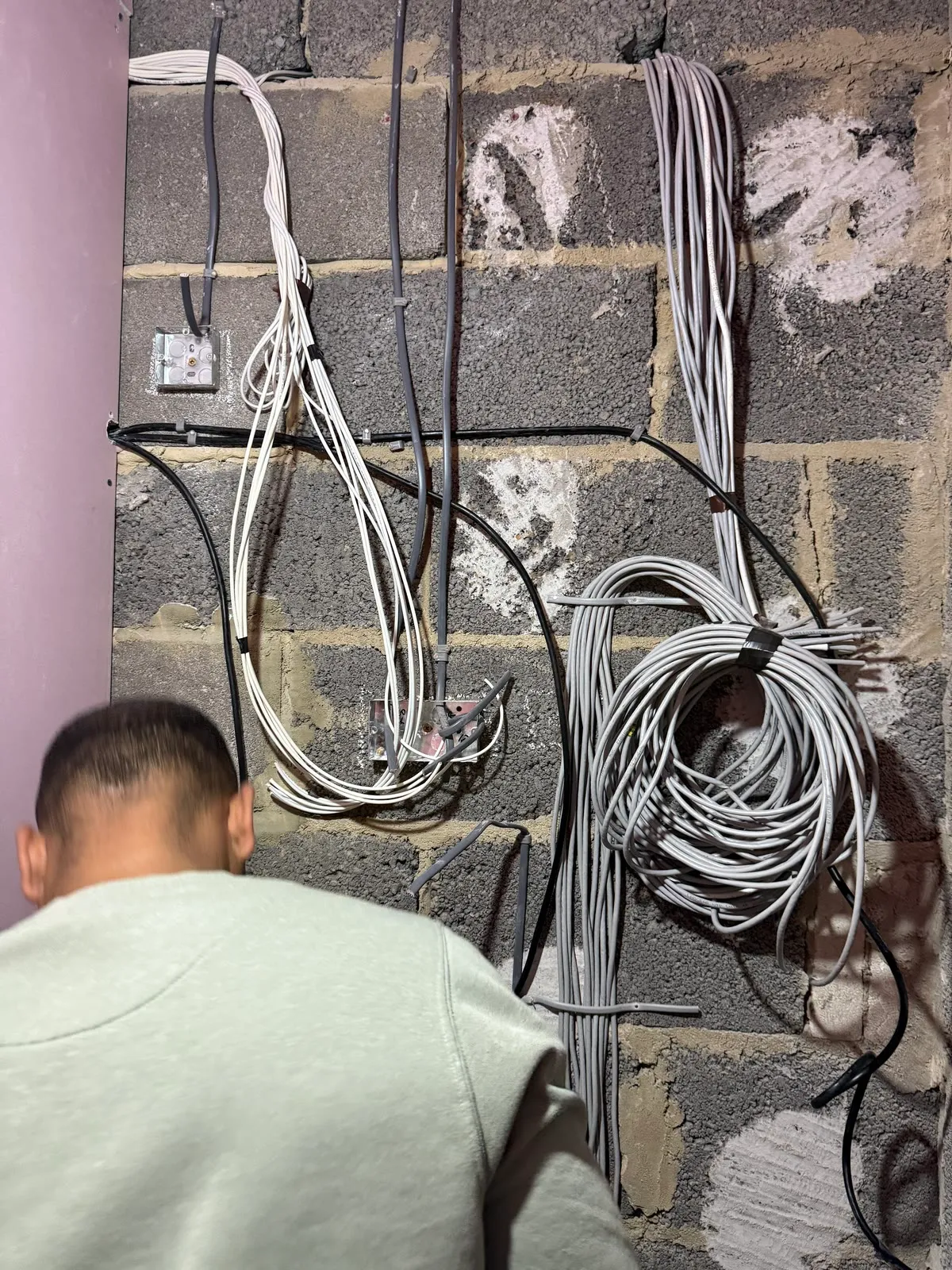
Bundles of grey data cable dressed against a block wall at first fix, each run labelled and coiled

CAM 01 · First fix · Bradford

The fix for weak Wi-Fi is a cable.

Every access point I fit has its own cable back to the router. The signal starts strong in the room that needs it, instead of arriving half dead from the other end of the house.

A plug-in booster listens to the same weak signal you are complaining about and repeats it. It looks like it works because the bars go up. The speed does not.

An access point on the landing ceiling or in the back office, wired in, is a different thing. One in the right place usually covers a house. A bigger place or thick stone walls might want two. I will tell you which on the visit, and I will say if one is enough.

Make
Ubiquiti UniFi
Where
Ceiling or high on a wall, wherever the coverage is needed. Flat, white, no cable showing.
Cabling
Inside the wall or ceiling void, back to the router or cabinet.

Data points, for the things that stay put.

A TV, a desk, a games console, a printer. Anything that lives in one spot runs better on a cable than on Wi-Fi, and it frees the Wi-Fi for the phones. A data point is a socket in the wall with a network cable behind it, run back to your router.

The cable goes inside the wall, through the loft or under the floor. What you see is a faceplate. No white cable along the skirting, no hole in the door frame.

Price a data point

Behind the TV.
Streaming without buffering.
At the desk.
Working from home on a line that does not drop.
In the loft or a cupboard.
For the CCTV recorder.
In the garage or an outbuilding.
So a camera or an access point can go out there.
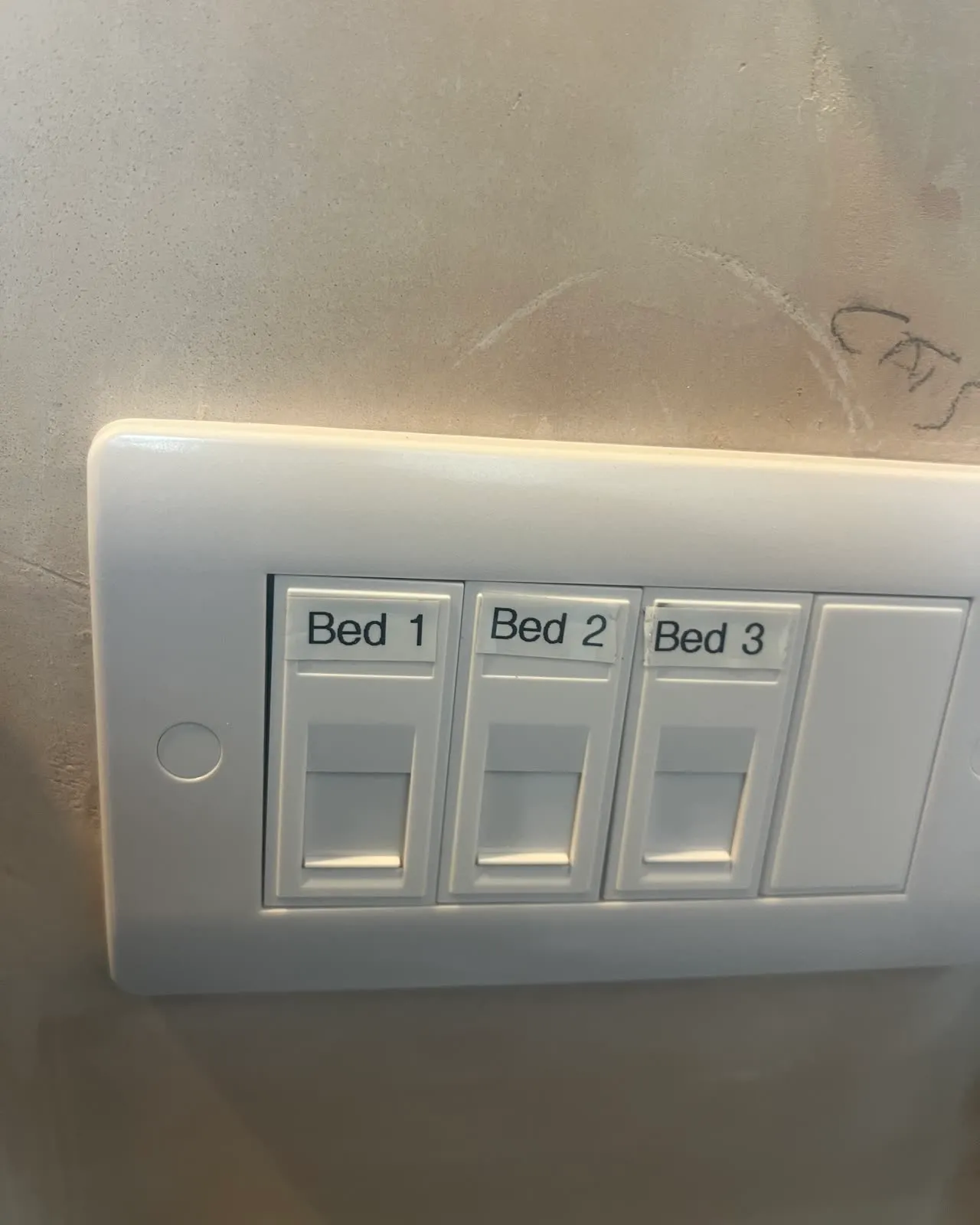
A white three-gang data faceplate on a freshly plastered wall, its ports labelled Bed 1, Bed 2 and Bed 3

CAM 03 · Data points

Building or renovating? Get me in at first fix.

This is a new build I pre-wired before the plasterboard went on. CCTV, alarm, data, Sky and fibre, all run back to one cabinet position. Once the walls were skimmed, none of it was there to see.

It starts with the plans: you, me, and the builder if he wants to be there, working out where the cameras look, where the TV goes, which rooms need a data point, and where the cabinet and the recorder live. Then the cables go in through the joists and studs back to the cabinet position, before anyone can plaster over the route. After second fix I come back to put the faceplates on, hang the cameras, fit the alarm and the recorder, terminate the lot and put the app on your phone.

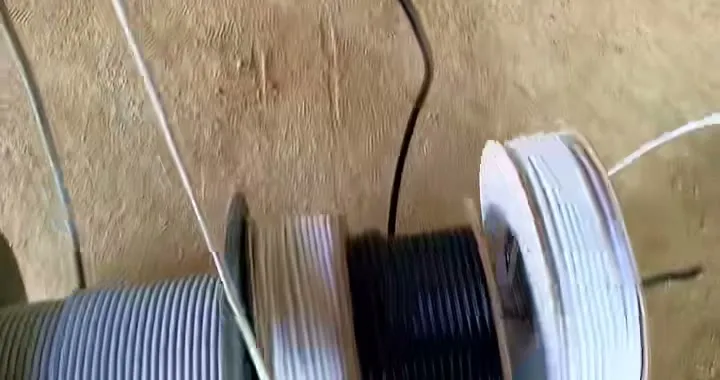
Three drums of cable on the floor of a new build, grey, black and white, ready to be run
The drums, on the day. Cheaper to run a spare now than to chase one in later.
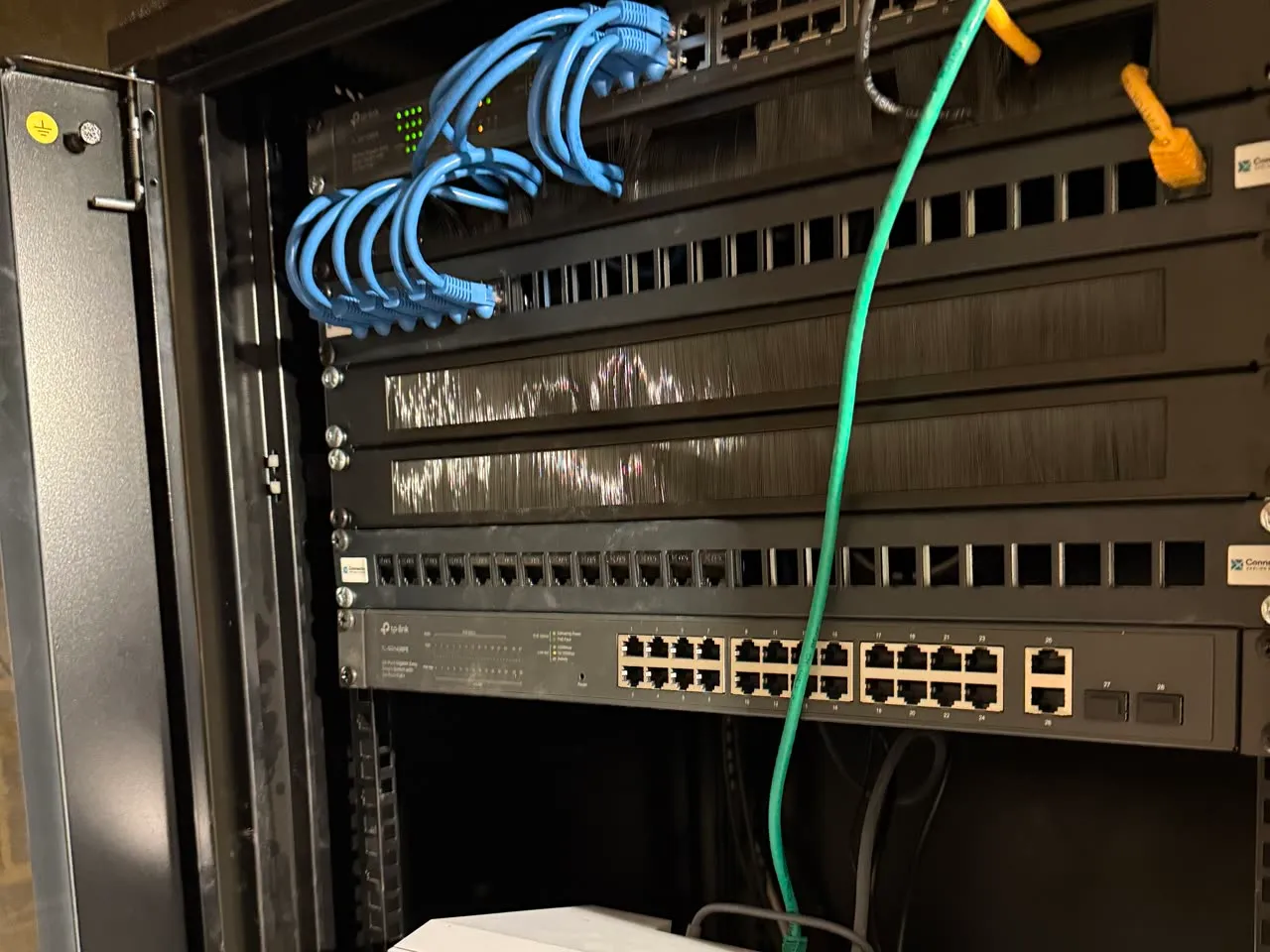
Inside the finished data cabinet: patch panel with blue leads, a network switch below it, everything labelled

CAM 04 · Data cabinet

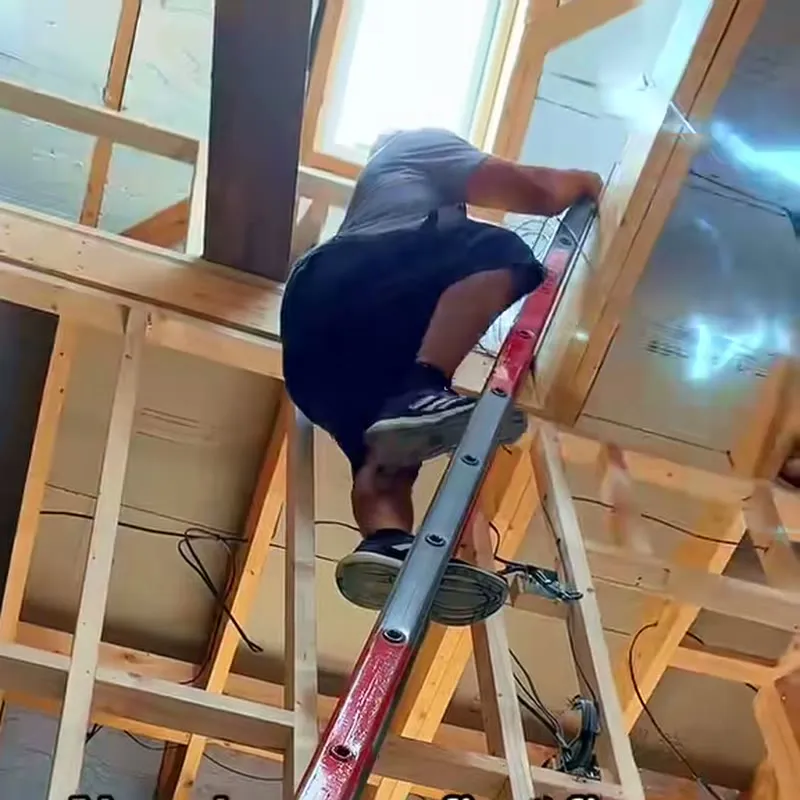
Mitu up a ladder in the open timber frame of a new build, running cable through the joists

CAM 05 · Through the joists

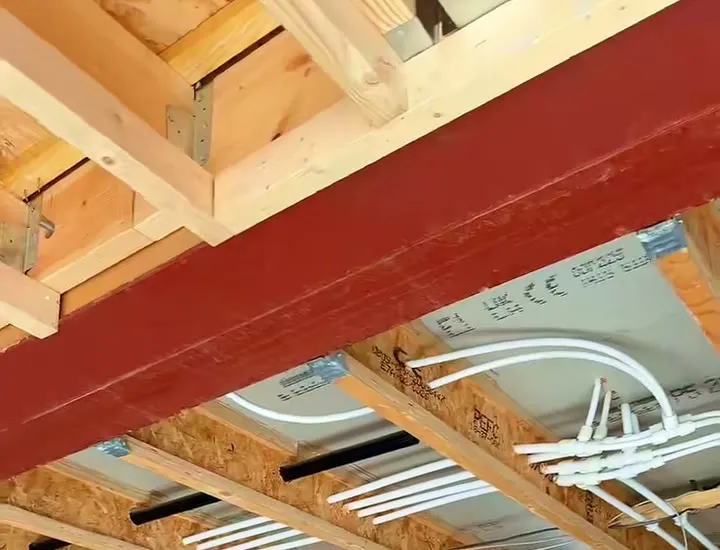
Looking up at the joists of a new build at first fix, a black cable run through them beside the pipework

CAM 06 · Before the plasterer

Cabling for cameras, and office fit-outs

Cabling for cameras

Every Hikvision camera I fit runs on one cable back to the recorder. That cable carries the power and the picture. Same rule as everything else on this page: one hole behind the camera, down the cavity, out by the recorder.

If you have got cameras already and the cabling is the problem, ring me. I would rather re-run a cable properly than patch a bad one.

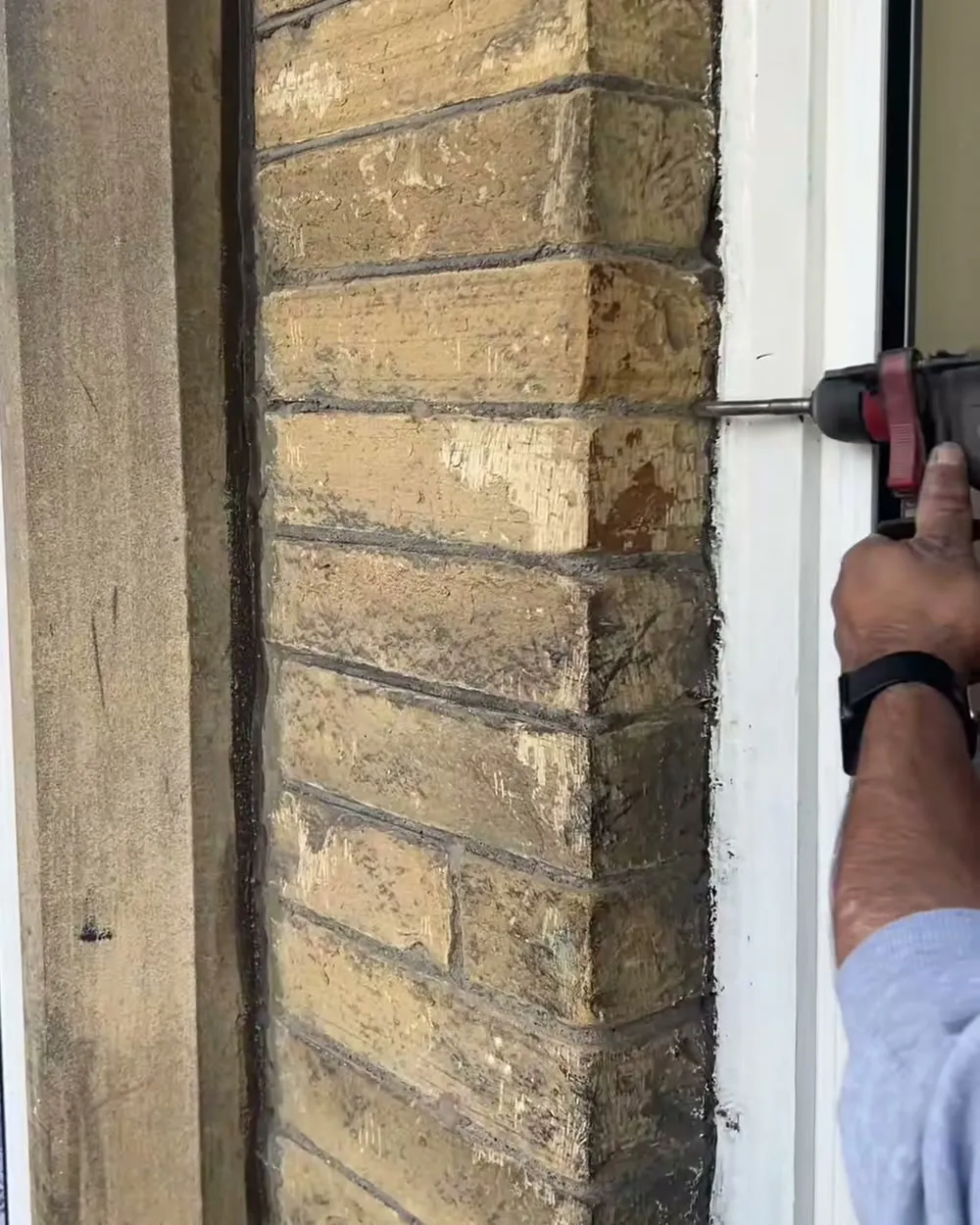
A drill bit going into the mortar line on a stone wall, next to a window frame
One hole per camera, on the mortar line.

The office job

An office fit-out where the sockets, the data points and the phone line all went into dado trunking along the wall. Desks can move, nobody trips over anything, and it looks like it was meant to be there.

The sockets on a job like that are electrical work, which I do as part of the same visit.

Supporting electrical work

Questions I get asked

Can you get Wi-Fi to reach the back of the house or upstairs?
Yes. I fit a Ubiquiti UniFi access point on the ceiling where the signal needs to be, with its own cable back to the router. That is what makes it reach. A plug-in booster shares the same weak signal it is trying to fix.
Do I still need cables if I have got Wi-Fi?
For anything that stays put, a cable is better. A TV, a desk, a games console and a camera all run faster and drop out less on a data point in the wall than they do over Wi-Fi. Wi-Fi is for phones, laptops and tablets that move about.
Can you run data cables in a house that is already plastered and decorated?
Usually, yes. I run the cable through the wall cavity, the loft or under the floor and bring it out on a faceplate, so there is nothing clipped along the skirting. Where a wall has no cavity I will show you on the visit where the cable can go before anything gets drilled.
What do you put in at first fix on a new build?
CCTV cables, alarm cables, data cables, Sky and fibre, all run back to one cabinet position before the plasterboard goes on. Once the walls are skimmed you never see any of it. I come back after second fix to terminate and set it up.
How much does a data point or a Wi-Fi access point cost?
The from-prices are on this page and are marked as placeholders until they are confirmed. The final figure depends on the cable run, so I price each job after I have seen the property. Use the quote page or ring me.
Do you do networking for offices and shops as well as houses?
Yes. Offices, shops and units as well as homes. In an office that often means sockets, data points and the phone line run in dado trunking along the wall, so desks can move without anyone chasing cables.

Two ways to get a price. Both end with me stood on your drive, looking up at your wall.

A few questions about the property, a figure on screen.

Get a quote
07540 049136

If I can’t pick up, leave a message and I’ll ring you back.

Call 07540 049136Get a quote